


Log InSign Up
MP3

Free YouTube to MP3 Downloader

Download YouTube videos as MP3 files.

Make sure you don't violate the rights of others with any files you download.
Copyrighted music can't be downloaded with this tool.

About Free YouTube to MP3 Downloader
Compact, lightweight, and universally supported, the MP3 format made it possible to carry entire libraries of audio material in your pocket long before streaming became the norm. TurboScribe’s YouTube to MP3 converter keeps that spirit alive by giving you an effortless way to turn any video into an audio file you can take anywhere.
The real strength of MP3 lies in its balance between size and quality. While WAV files preserve every ounce of detail, they also take up massive amounts of storage. MP3, on the other hand, compresses audio into a format that plays smoothly on virtually every device while keeping the file size small. That makes it the ideal choice for everyday listening, whether you’re building a personal playlist, loading tracks onto your phone, or storing lectures for later study.
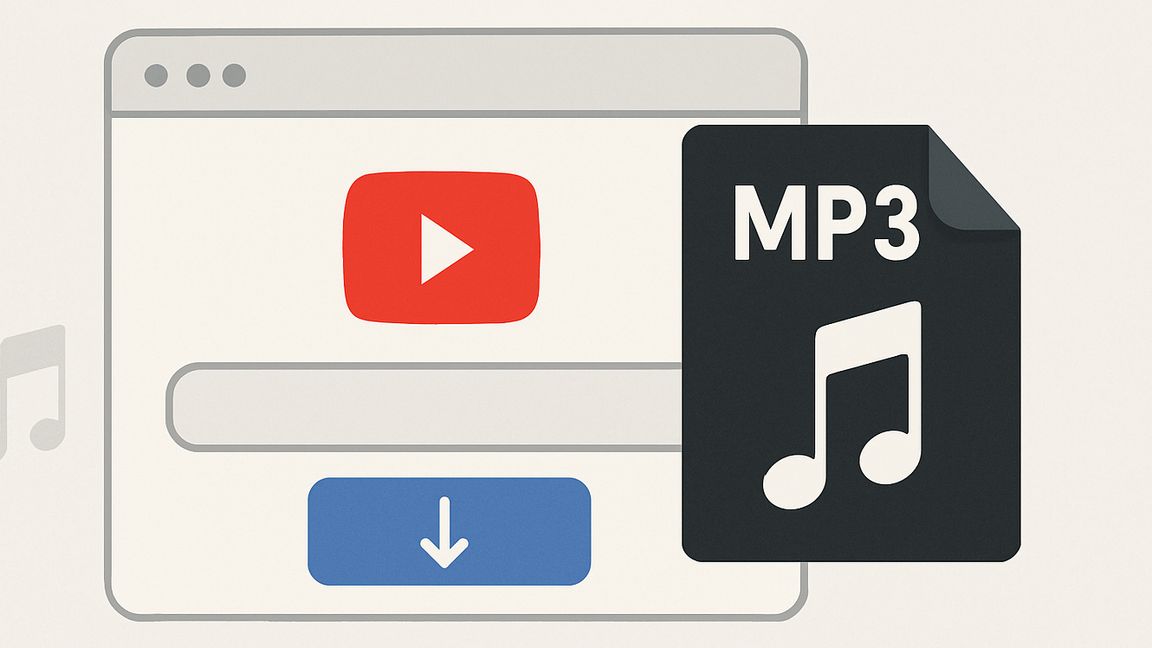
TurboScribe’s converter is designed for people who value simplicity. There’s no sign-up process, no software installation, and no hoops to jump through. You paste a YouTube link, select MP3, and within moments you have a file ready to drop into your audio player. It’s quick, it’s clean, and it’s built for people who just want to listen without distractions.
What elevates the tool beyond a basic converter is its integration with transcription. Once you’ve pulled the audio, you can instantly generate text from it. That means a favorite interview becomes both an MP3 to play on repeat and a transcript you can quote from. A lecture becomes something you can study in your earbuds while also highlighting the key points in written form.
This combination makes the YouTube to MP3 converter useful for a wide range of people. Commuters can stock their phones with content to listen to offline. Students can capture lessons in both audio and text for revision. Fitness enthusiasts can build workout playlists directly from YouTube. Language learners can combine listening practice with transcripts to sharpen comprehension. For anyone who consumes audio daily, the MP3 format is still the most practical option.
TurboScribe’s approach is not about complicating things with unnecessary features. It’s about giving you the file you want in the format you need, fast and without clutter. In a world where streaming dominates but connections aren’t always reliable, being able to save and carry audio remains valuable. The YouTube to MP3 converter makes that possible with ease, while the transcription option adds an extra layer of utility.
In the end, this tool is about portability and freedom. MP3s are small, flexible, and endlessly compatible, and TurboScribe makes generating them from YouTube effortless. Whether you’re filling your earbuds, preparing for a study session, or creating your own offline audio library, it delivers exactly what you need in just a few clicks.

Compact, lightweight, and universally supported, the MP3 format made it possible to carry entire libraries of audio material in your pocket long before streaming became the norm. TurboScribe’s YouTube to MP3 converter keeps that spirit alive by giving you an effortless way to turn any video into an audio file you can take anywhere.

The real strength of MP3 lies in its balance between size and quality. While WAV files preserve every ounce of detail, they also take up massive amounts of storage. MP3, on the other hand, compresses audio into a format that plays smoothly on virtually every device while keeping the file size small. That makes it the ideal choice for everyday listening, whether you’re building a personal playlist, loading tracks onto your phone, or storing lectures for later study.

TurboScribe’s converter is designed for people who value simplicity. There’s no sign-up process, no software installation, and no hoops to jump through. You paste a YouTube link, select MP3, and within moments you have a file ready to drop into your audio player. It’s quick, it’s clean, and it’s built for people who just want to listen without distractions.

What elevates the tool beyond a basic converter is its integration with transcription. Once you’ve pulled the audio, you can instantly generate text from it. That means a favorite interview becomes both an MP3 to play on repeat and a transcript you can quote from. A lecture becomes something you can study in your earbuds while also highlighting the key points in written form.

This combination makes the YouTube to MP3 converter useful for a wide range of people. Commuters can stock their phones with content to listen to offline. Students can capture lessons in both audio and text for revision. Fitness enthusiasts can build workout playlists directly from YouTube. Language learners can combine listening practice with transcripts to sharpen comprehension. For anyone who consumes audio daily, the MP3 format is still the most practical option.

TurboScribe’s approach is not about complicating things with unnecessary features. It’s about giving you the file you want in the format you need, fast and without clutter. In a world where streaming dominates but connections aren’t always reliable, being able to save and carry audio remains valuable. The YouTube to MP3 converter makes that possible with ease, while the transcription option adds an extra layer of utility.

In the end, this tool is about portability and freedom. MP3s are small, flexible, and endlessly compatible, and TurboScribe makes generating them from YouTube effortless. Whether you’re filling your earbuds, preparing for a study session, or creating your own offline audio library, it delivers exactly what you need in just a few clicks.

Powered by TurboScribe

TurboScribe converts audio and video to accurate text in seconds, powered by AI.