


Log InSign Up
WAV

YouTube to WAV Downloader

Free YouTube video to WAV downloader. Free, fast, and no ads. Paste a YouTube video URL to download the audio as WAV instantly.

Make sure you don't violate the rights of others with any files you download.
Copyrighted music can't be downloaded with this tool.

About YouTube to WAV Downloader
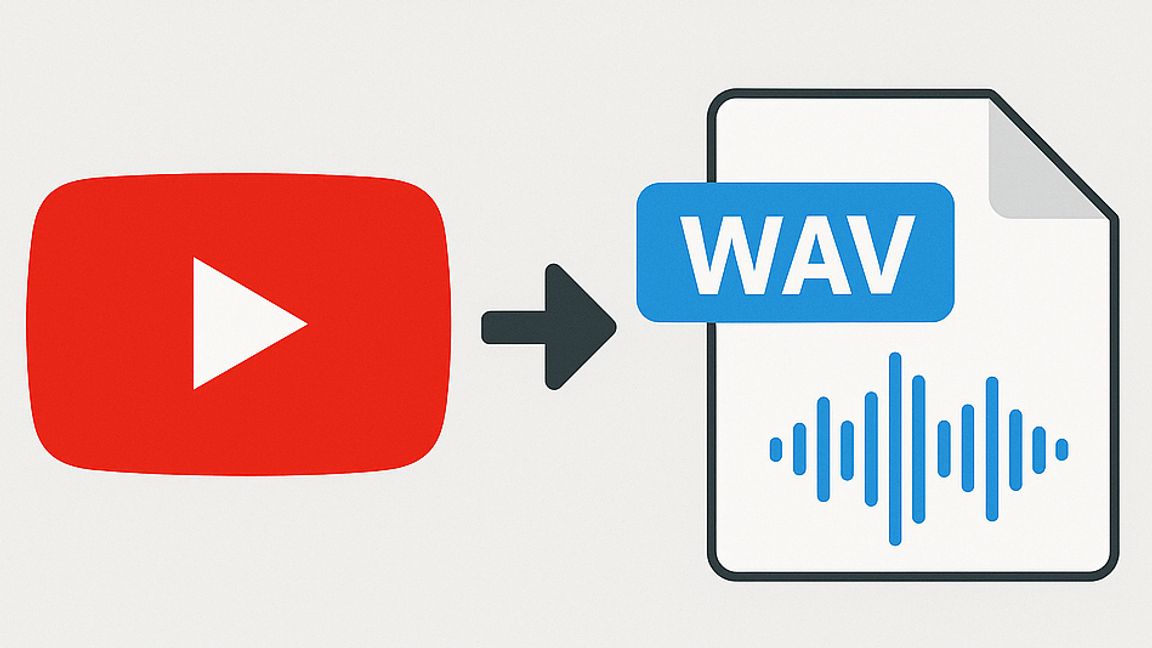
For anyone who works with sound, the format matters just as much as the content itself. That’s where TurboScribe’s YouTube to WAV converter comes in. Instead of focusing on video playback or casual offline viewing, this tool is built for people who care about audio fidelity. By stripping away the video and delivering a clean WAV file, it provides the raw, uncompressed audio that musicians, podcasters, and sound designers rely on.
WAV has long been the standard in recording studios because it captures every detail without compression. If you’re mixing tracks, sampling dialogue, archiving interviews, or preparing sound for editing, you don’t want artifacts introduced by lower-quality formats. With this converter, a YouTube video becomes a source of production-ready audio, making it easier to bring material into your creative workflow without compromise.
The process is straightforward. A single link is all it takes to transform a streaming video into a WAV file you can drag into your audio software or media library. There’s no need to juggle extra software, browser extensions, or sketchy downloads. Everything happens online, instantly, and the end result is a file that will slot neatly into DAWs, editing suites, and archival systems.
But the real advantage of TurboScribe lies in its dual focus: not only do you get the audio itself, you can also generate a transcript. That means a lecture can become both a crystal-clear WAV recording and a searchable text document. For professionals, educators, and researchers, that blend of high-quality sound and accurate transcription unlocks far more than a simple audio ripper ever could.

For anyone who works with sound, the format matters just as much as the content itself. That’s where TurboScribe’s YouTube to WAV converter comes in. Instead of focusing on video playback or casual offline viewing, this tool is built for people who care about audio fidelity. By stripping away the video and delivering a clean WAV file, it provides the raw, uncompressed audio that musicians, podcasters, and sound designers rely on.

WAV has long been the standard in recording studios because it captures every detail without compression. If you’re mixing tracks, sampling dialogue, archiving interviews, or preparing sound for editing, you don’t want artifacts introduced by lower-quality formats. With this converter, a YouTube video becomes a source of production-ready audio, making it easier to bring material into your creative workflow without compromise.

The process is straightforward. A single link is all it takes to transform a streaming video into a WAV file you can drag into your audio software or media library. There’s no need to juggle extra software, browser extensions, or sketchy downloads. Everything happens online, instantly, and the end result is a file that will slot neatly into DAWs, editing suites, and archival systems.

But the real advantage of TurboScribe lies in its dual focus: not only do you get the audio itself, you can also generate a transcript. That means a lecture can become both a crystal-clear WAV recording and a searchable text document. For professionals, educators, and researchers, that blend of high-quality sound and accurate transcription unlocks far more than a simple audio ripper ever could.

Powered by TurboScribe

TurboScribe converts audio and video to accurate text in seconds, powered by AI.