







About Free YouTube to MP4 Converter
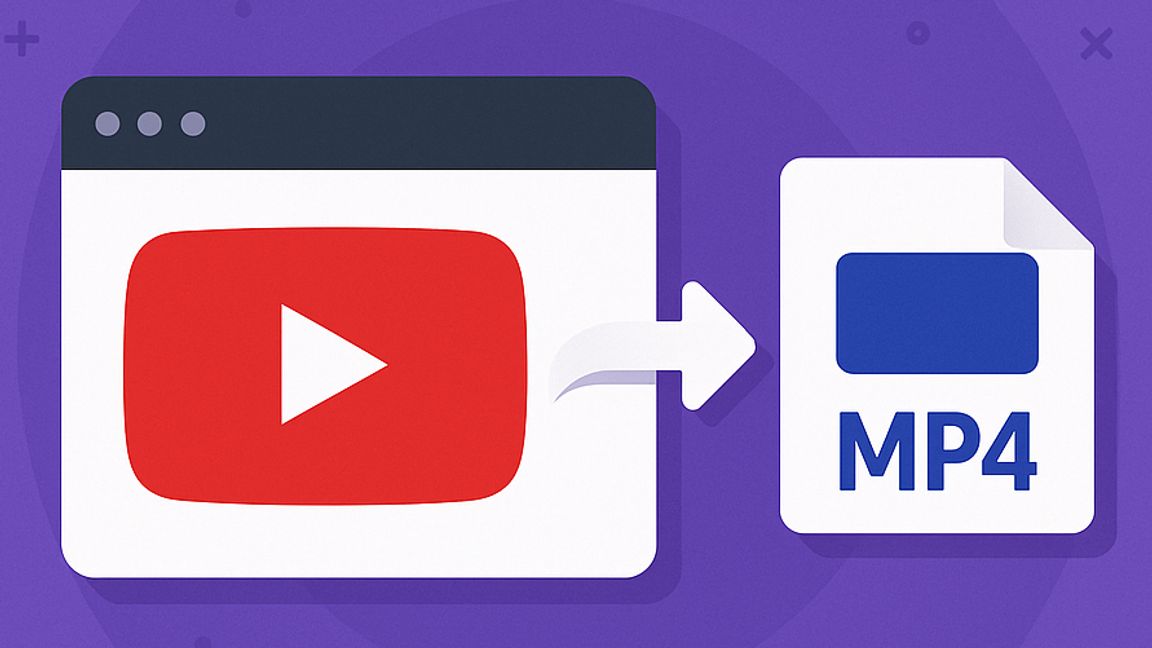
Downloading YouTube videos is often more complicated than it should be. TurboScribe’s free YouTube to MP4 downloader takes away that frustration by offering a clean, fast, and reliable way to save your favorite content. There are no sign-ups, no ads, and no hidden restrictions. Instead, it provides a straightforward process that works in seconds and leaves you with a universally compatible MP4 file that plays on any device.
What sets TurboScribe's YouTube to MP4 converter apart is its simplicity. While other converters may overwhelm you with pop-ups, clutter, or unnecessary steps, this tool focuses on making the process smooth and efficient. It is completely free to use, the conversions happen quickly, and the MP4 files work across laptops, phones, tablets, and projectors without issue. The experience is designed to remove frustration and give students, content creators, professionals, and casual viewers exactly what they need without delay.
The process itself is remarkably easy. You copy the link of the YouTube video you want, paste it into the downloader, select MP4 as your format, and within seconds the file is ready to save. From there it can be used offline, included in a project, or stored in a personal archive. There is no need to create an account or install software, and the tool operates entirely in the browser.
TurboScribe also does more than just download videos. A unique feature is its built-in transcription tool, which can pull text, captions, or subtitles from the videos you convert. This makes it possible to turn a lecture or tutorial into study notes, generate subtitles that can be translated into multiple languages, or repurpose video dialogue into blog posts, scripts, or social media content. For educators, researchers, and content professionals, the transcription capability saves time and unlocks new ways of working with video material.